English
 中文简体
中文简体
Yes, an SMA connector can transmit a clock signal, and it is one of the most common ways to move a clock between boards, instruments and rack panels. The connector itself is rarely what limits the result. What limits it is the 50-ohm environment around it: the PCB launch, the trace geometry, the cable, the return path and the edge rate of the driver.
Used inside a controlled-impedance path, a standard 50-ohm SMA interface passes clock edges cleanly from a few megahertz up to roughly 18 GHz of usable bandwidth. Dropped onto a random trace, with a long unterminated stub and a mismatched source, the same connector will show ringing, overshoot and jitter no matter how well it is made.
Content
- 1 What an SMA Connector Actually Does to a Clock Signal
- 2 Clock Rate Is Not the Same as Bandwidth
- 3 What a Standard SMA Interface Offers Electrically
- 4 The Bottleneck Is Usually the Launch, Not the Connector
- 5 Cable Choice Changes the Answer
- 6 RP-SMA and Other Variants: Same Electricals, Different Mechanics
- 7 When SMA Is the Wrong Answer for a Clock
- 8 Practical Checklist Before You Commit
- 9 FAQ
- 10 Choosing the Right SMA Part for a Clock Path
What an SMA Connector Actually Does to a Clock Signal
An SMA connector is a transparent 50-ohm transition when it is used correctly, and something close to a small antenna when it is not. It is not a filter, a buffer or a driver, and it does not regenerate an edge. Its job is to carry the signal from a coaxial cable into a board, or the reverse, while keeping impedance constant and the return current close to the signal.
Three conditions have to hold at the same time:
- Constant 50-ohm impedance from source to load. SMA is a 50-ohm interface. A 75-ohm video path, a 100-ohm differential pair or a CMOS output with no series resistor all reflect at the launch.
- Bandwidth that covers the harmonics, not just the fundamental. A 100 MHz clock with a 1 ns edge carries meaningful energy well past 1 GHz.
- A mechanically clean launch with no stub. Oversized pads, an unused via barrel or a connector sitting at the end of a long spur add inductance and capacitance that appear as ringing.
Clock Rate Is Not the Same as Bandwidth
The number that decides whether an SMA link works is the bandwidth demanded by the edge, not the clock frequency printed on the datasheet. A first-order estimate is bandwidth = 0.35 divided by the 10-90% rise time. A 100 MHz clock with a 1 ns edge needs roughly 350 MHz of analog bandwidth; a 2.5 GHz clock with an 80 ps edge needs about 4.4 GHz.
| Clock frequency | Edge rise time | Bandwidth needed | SMA suitability |
|---|---|---|---|
| 10 MHz | 5 ns | About 70 MHz | Comfortable with any standard SMA |
| 100 MHz | 1 ns | About 350 MHz | Comfortable |
| 500 MHz | 300 ps | About 1.2 GHz | Good |
| 1 GHz | 150 ps | About 2.3 GHz | Good with a clean launch |
| 2.5 GHz | 80 ps | About 4.4 GHz | Workable, layout quality decides |
| 10 GHz | 25 ps | About 14 GHz | Precision grade only |
Below about 18 GHz the connector contributes very little to that budget. Above it, precision interfaces such as 2.92 mm and 2.4 mm take over, and standard SMA is no longer the right part for the job.
What a Standard SMA Interface Offers Electrically
Standard SMA is a 50-ohm, threaded, semi-precision coaxial interface, and its basic figures are more than adequate for ordinary clock work. The numbers worth knowing are these:
- Impedance: 50 ohm nominal, held constant through the mated pair.
- Usable bandwidth: DC to 18 GHz for standard grades, with precision grades reaching 26.5 GHz and beyond.
- VSWR: typically 1.15 to 1.35 across the band, roughly -23 to -17 dB return loss.
- Coupling: 1/4-36 UNS thread, typically rated for around 500 mating cycles.
- Construction: PTFE dielectric, gold-plated centre contact, stainless or brass body.
Where SMA loses ground is density and blind mating, not electrical performance.
| Interface | Coupling | Usable bandwidth | Typical clock use |
|---|---|---|---|
| SMA | Threaded | 18 GHz | Bench, board edge, rack panels |
| RP-SMA | Threaded | 18 GHz | Wireless equipment, not general clock routing |
| SMB | Snap-on | 4 GHz | Dense panels where space beats bandwidth |
| SMP | Blind mate | 40 GHz | Board-to-board clock links |
| 2.92 mm | Threaded | 40 GHz | Clocks above 18 GHz |
The Bottleneck Is Usually the Launch, Not the Connector
Most clock problems blamed on an SMA interface are actually caused by the transition from the coaxial line into the PCB. Three faults show up again and again on clock lines: a signal trace that necks down under the connector and then widens again, creating a local impedance bump; ground vias placed too far from the signal pin, forcing return current to loop around; and a through-hole centre pin left extending below the board, acting as a short stub that resonates at a few gigahertz.
A good launch keeps the ground return within a fraction of a millimetre of the signal pin, uses a ground plane directly beneath the pad, and presents a consistent 50-ohm footprint from the trace into the connector.
 SMA PCB Mount RF Coaxial ConnectorsThrough-hole and SMT SMA connectors for PCB layouts, supporting automated assembly, tape-and-reel packaging, and reliable RF launches up to 12.4 GHz.View Product →
Cable Choice Changes the Answer
A clock fed through a metre of generic coaxial cable is a different problem from a clock fed through 150 mm of semi-rigid coax. Cable loss rises with frequency, so an assembly that passes a 10 MHz clock without visible degradation may visibly round the edges of a 2.5 GHz clock.
Flexible cable is convenient, but its loss and its phase drift under bending are higher. Semi-rigid and semi-flexible cable hold their geometry, so impedance stays closer to nominal along the run and phase stays repeatable — which is why semi-rigid remains standard in instrument-to-instrument clock distribution and in phase-critical test setups.
RP-SMA and Other Variants: Same Electricals, Different Mechanics
Reverse-polarity SMA carries the same 50-ohm impedance and the same approximate bandwidth as standard SMA; only the gender of the centre contact changes. An RP-SMA jack has a male pin and an RP-SMA plug has a female socket, which prevents mating with standard SMA. That is the point in consumer wireless hardware, and it is a nuisance in a clock path where both families inevitably end up in the same rack.
If a design already uses RP-SMA panels, keep the clock on a separate standard SMA path, or convert deliberately with a within-type adapter rather than forcing a connection.
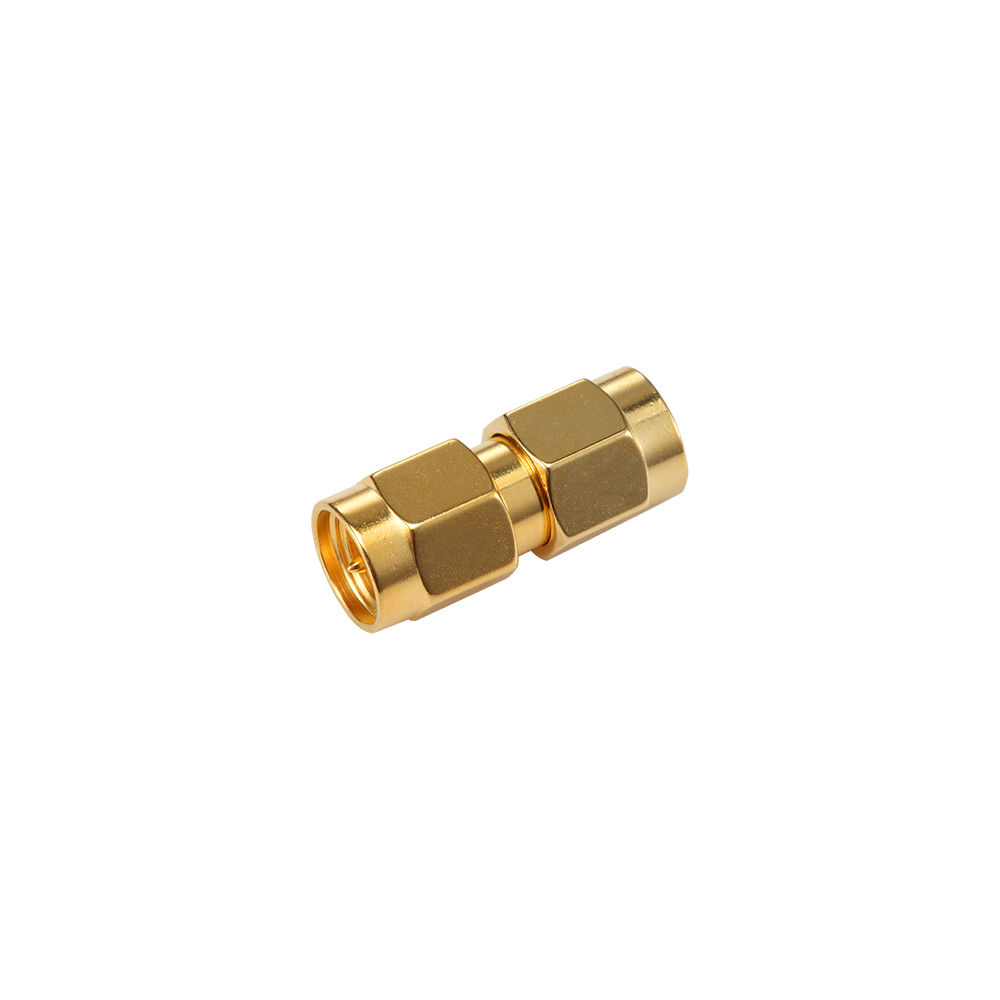 SMA Within-Type Male-to-Female RF AdaptersCompact SMA-series gender-conversion adapters supporting up to 18 GHz, threaded locking, and compatibility with SMA test instruments, RF modules, antennas, and development platforms.View Product →
When SMA Is the Wrong Answer for a Clock
SMA is the wrong choice in three situations.
- Differential clocks. SMA is single-ended. LVDS or LVPECL clocks belong on a matched differential pair; converting to single-ended mid-run throws away common-mode rejection.
- Board-to-board inside a sealed chassis. Blind-mate interfaces such as SMP exist for exactly this. SMA needs access for a torque wrench.
- Very high density. Snap-on 1.0/2.3, MCX or MMCX saves panel space when the clock stays below a few gigahertz.
Practical Checklist Before You Commit
Run through these six checks before the layout is released; each one maps to a failure mode that is expensive to fix later.
- Confirm the driver can drive 50 ohm. Many CMOS clock outputs need a series resistor, often 22 to 33 ohm, placed close to the pin.
- Calculate bandwidth from the real edge rate, not from the clock frequency.
- Keep the trace at 50 ohm from the driver pin to the connector pin, with no width changes.
- Place ground vias within roughly 1 mm of the signal pin and tie them to the same reference plane.
- Trim the centre pin flush, or specify a connector matched to the board thickness.
- Verify on a scope through a matched coaxial connection, and check overshoot, ringing and jitter rather than amplitude alone.
FAQ
Can I connect a function generator's clock output straight to an SMA input?
Yes, provided both ends are 50 ohm. Most generators have a 50-ohm output and expect a 50-ohm load, so check the amplitude setting: a 50-ohm load halves the swing of an unterminated output.
Does an SMA connector add jitter to a clock?
A properly mated SMA pair with matched impedance contributes very little. Jitter at a clock input usually originates in the driver, the reference or reflections at a mismatched launch.
How far can I run a clock over SMA cable?
Distance is limited by cable loss, not by the connector. At 100 MHz, several metres of low-loss coax is realistic; at 2.5 GHz, keep the run short or write an explicit loss budget.
Is a 75-ohm connector acceptable for a clock?
No. A 75-ohm interface against a 50-ohm source produces a predictable reflection. Stay 50 ohm end to end, or convert impedance deliberately with a matching network.
Choosing the Right SMA Part for a Clock Path
The connector is a small part of the answer, and it should be specified like one. Start with the mechanical requirement — cable type, mounting style, board thickness — then confirm the interface family and the frequency grade. If those trade-offs need more detail, a broader selection guide for RF coaxial connectors compares the interface families side by side.
Sourcing the whole chain from one RF coaxial connector supplier — connector, adapter and cable assembly — also keeps the impedance story consistent from the panel down to the board.
For most clock distribution between a few megahertz and a few gigahertz, a standard 50-ohm SMA interface with a clean PCB launch delivers exactly what the application needs. When the edge rate pushes past 18 GHz of bandwidth, the answer changes — but it changes because of interface grade and launch quality, not because SMA stopped working.